
Local Web Interface
The local web interface of Sim Roulette aggregators is designed for basic setup and device management directly from the browser. It becomes available immediately after connecting the aggregator to the network and does not require any additional software installation.
Through the local interface, you can set administrator and user logins and passwords, select a Wi-Fi network, and configure local and remote connection parameters. The interface allows editing of the aggregator’s internal configuration files, creating macros for automated actions, as well as performing quick adjustments without using an external server.
The built-in terminal provides direct interaction with the device: it enables selecting active SIM cards, managing modems, sending and receiving SMS, executing USSD requests, and making calls. The interface is especially useful for testing and monitoring the aggregator’s operation, as well as for debugging integration with the user’s own applications.
The local WEB interface is a convenient tool for initial setup, diagnostics, and standalone management of the aggregator. And macro support helps to implement a convenient operating algorithm directly in the interface.
Screenshots of the Local Interface
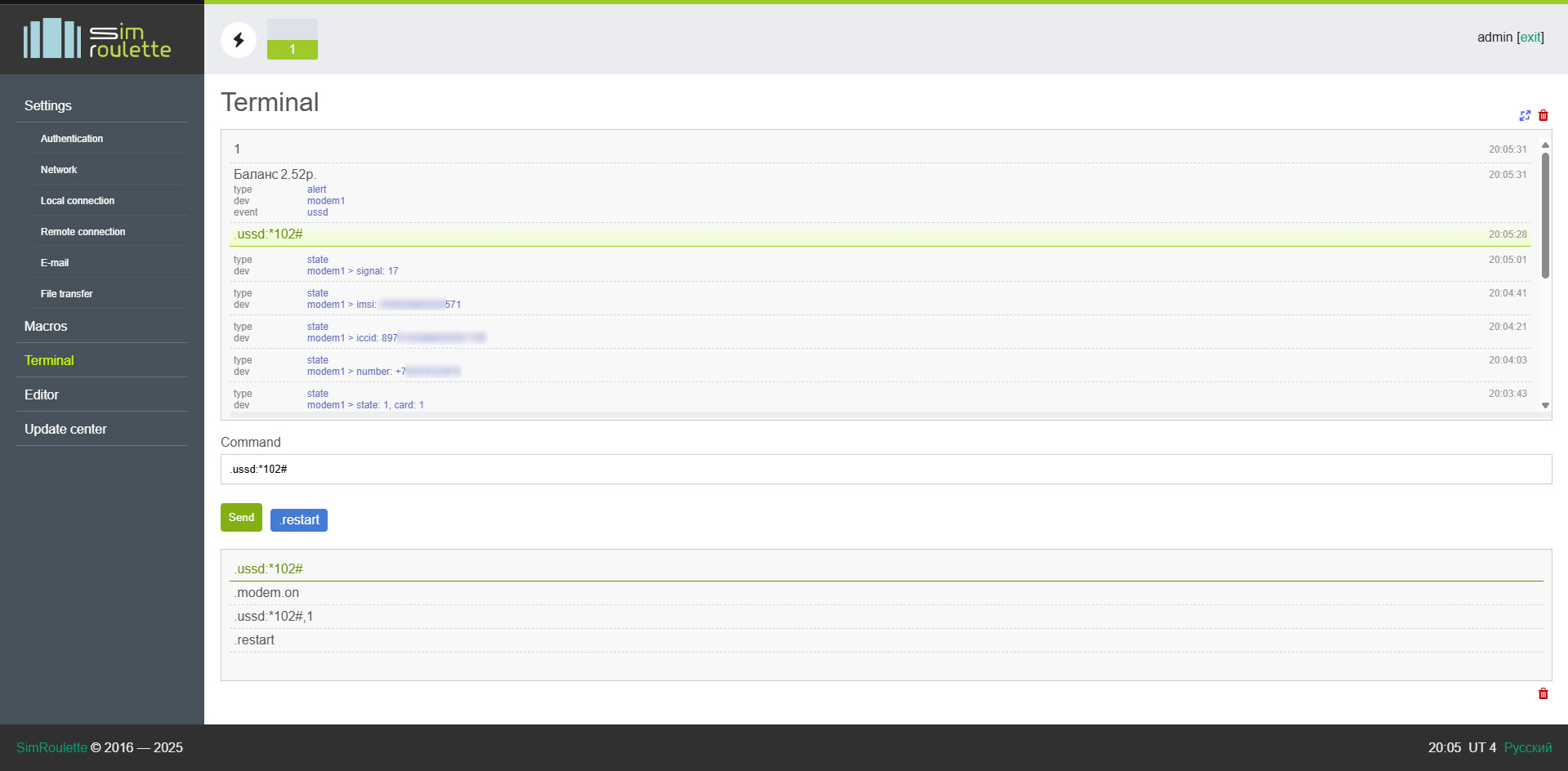
Local terminal. The device displays the stored number on the SIM card, ICCID, IMSI, signal level, and more. The command ussd:*102# was used to request the balance
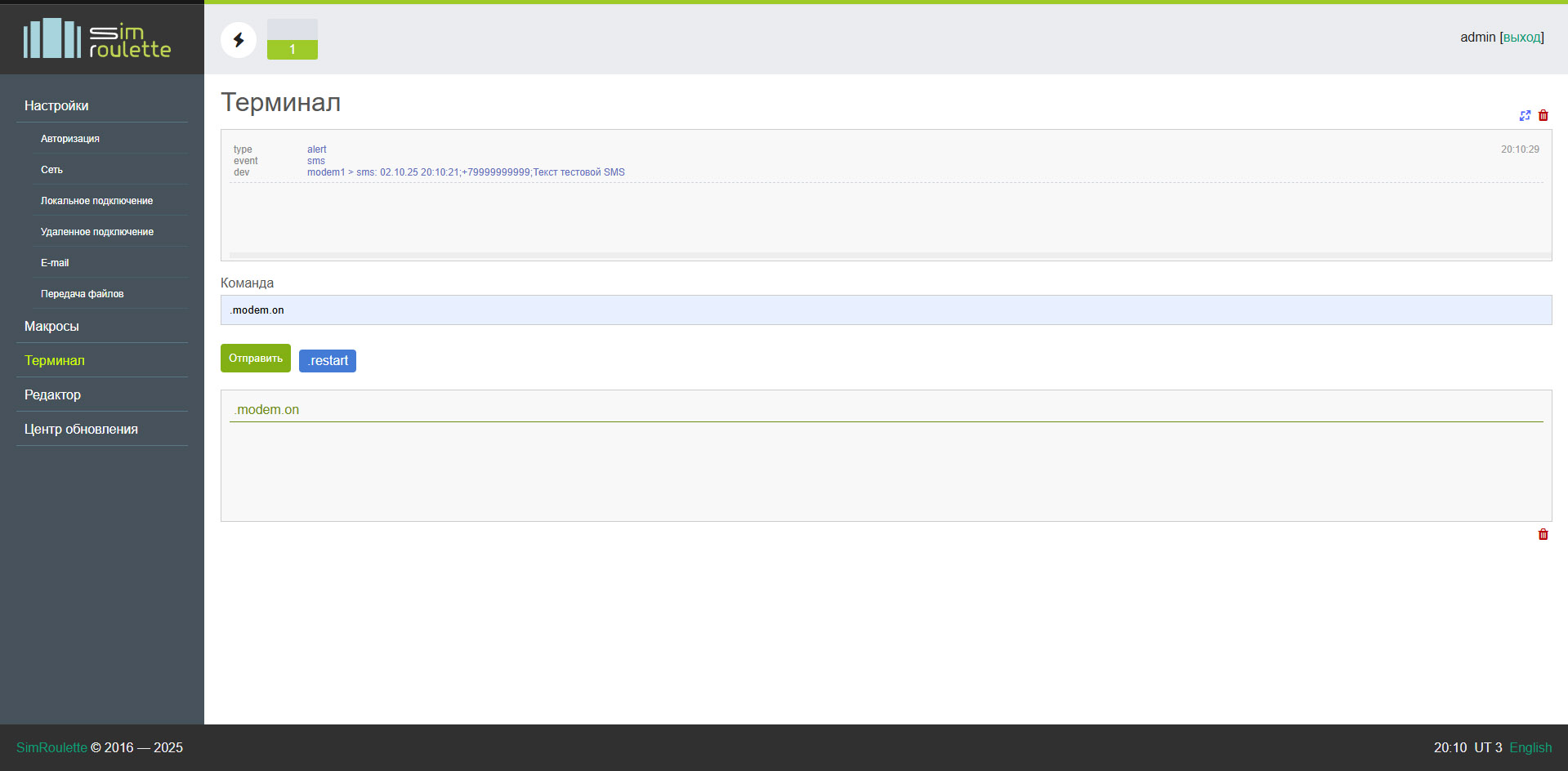
SMS received
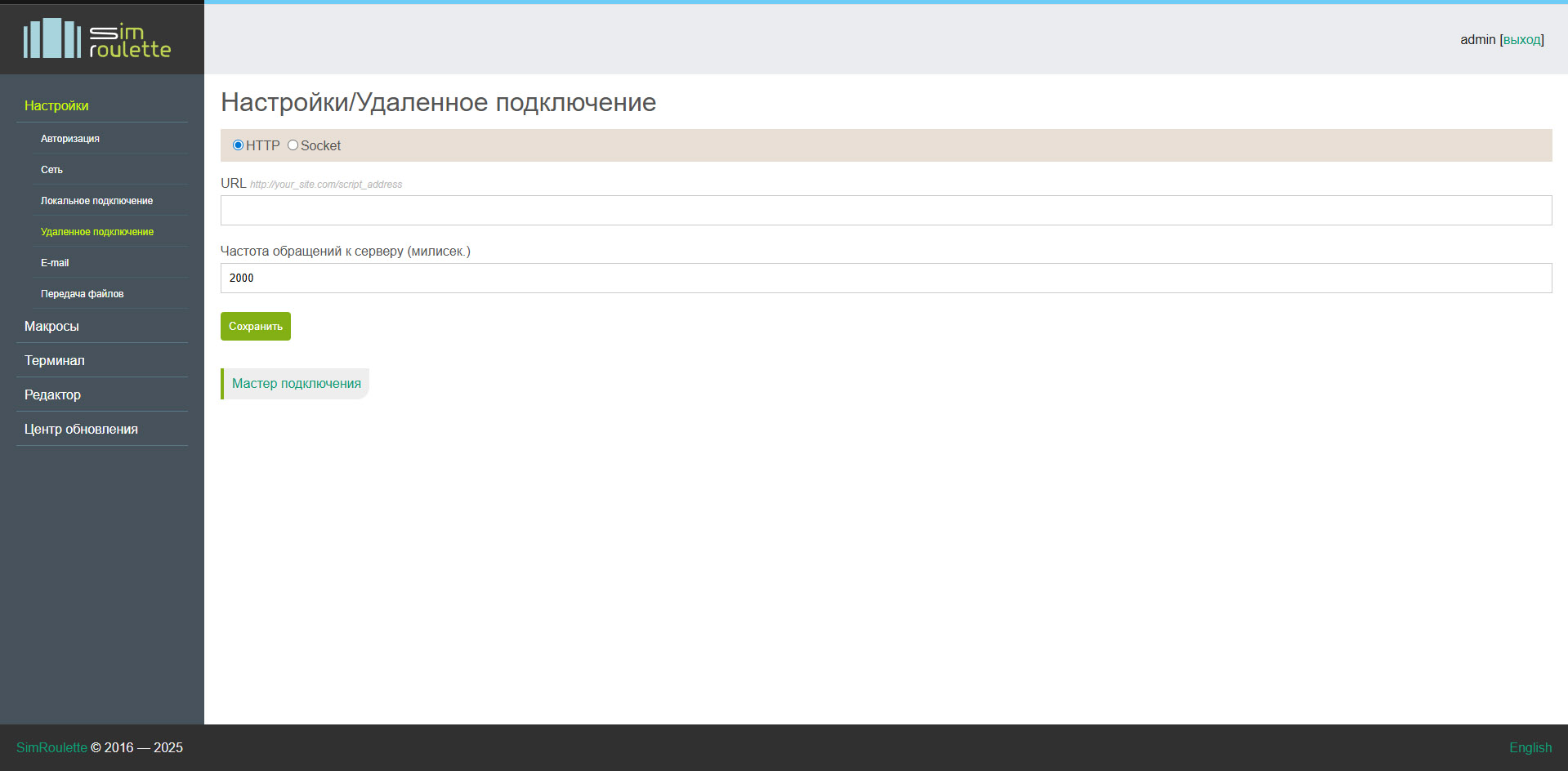
Configuring interaction with the remote server
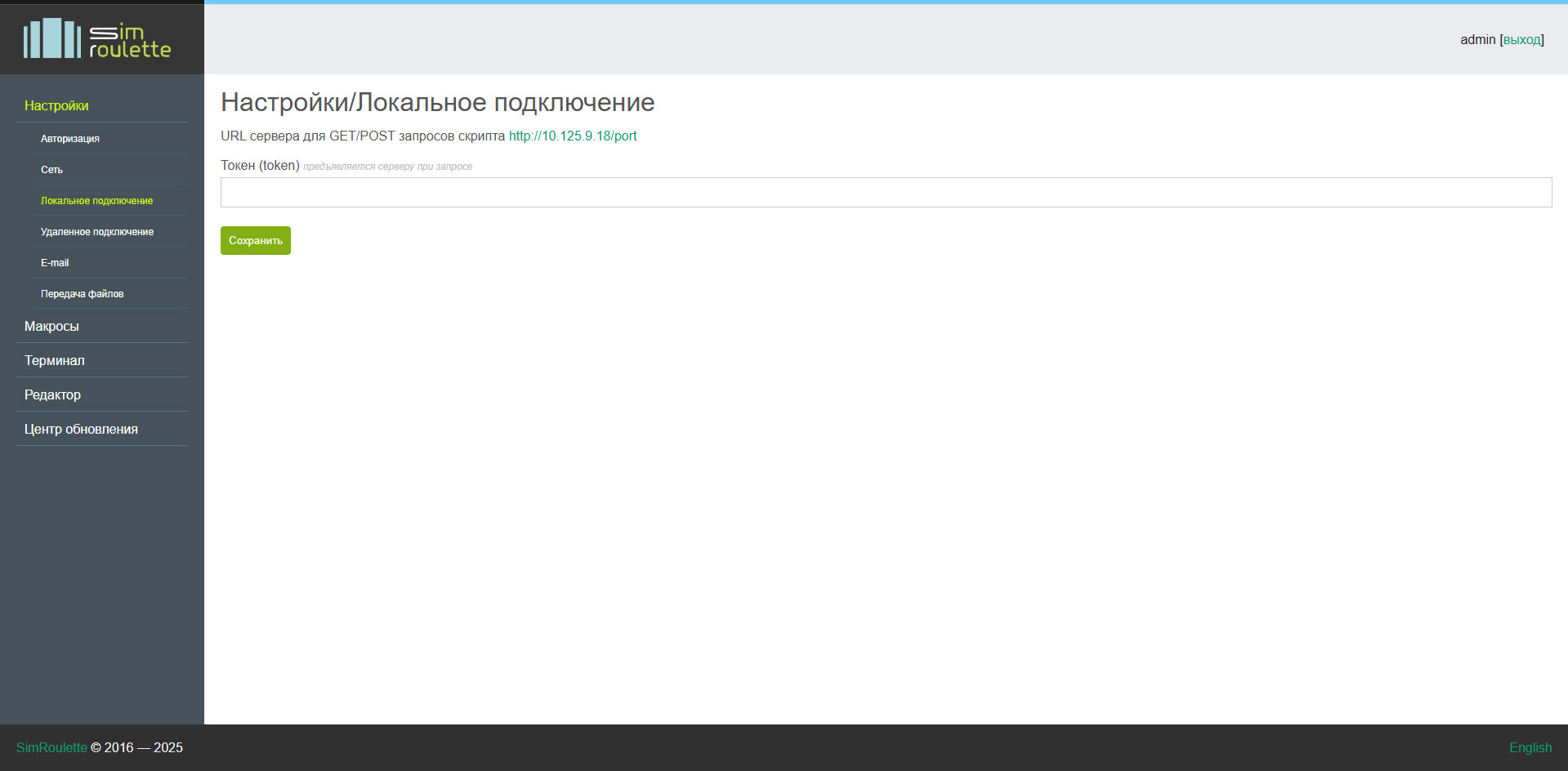
Configuring interaction with the local server